Learn how to enable American Sign Language (ASL) or British Sign Language (BSL) support for shows and movies in the Apple TV app on your iPhone, iPad, Mac, and Apple TV.
How to enable sign language support for Apple TV

Learn how to master your Apple devices with our comprehensive tutorials. From iPhone and iPad to Mac, Apple Watch, AirPods, and more, our expert guides will help you unlock the full potential of your Apple products. Discover new features, tips, and tricks each day to enhance your user experience.
Learn how to enable American Sign Language (ASL) or British Sign Language (BSL) support for shows and movies in the Apple TV app on your iPhone, iPad, Mac, and Apple TV.

Learn how to use the new Lock Controls feature on your HomePod or HomePod mini running software version 27.2 or later to stop the top screen surface from responding to touches.

In this brief tutorial, we tell you about the new Sound Glow feature added to HomePod and HomePod mini running software version 27.2.

iOS 27, iPadOS 27, and macOS 27 Golden Gate support adding new reminder tasks and calendar events simply by typing in natural language.
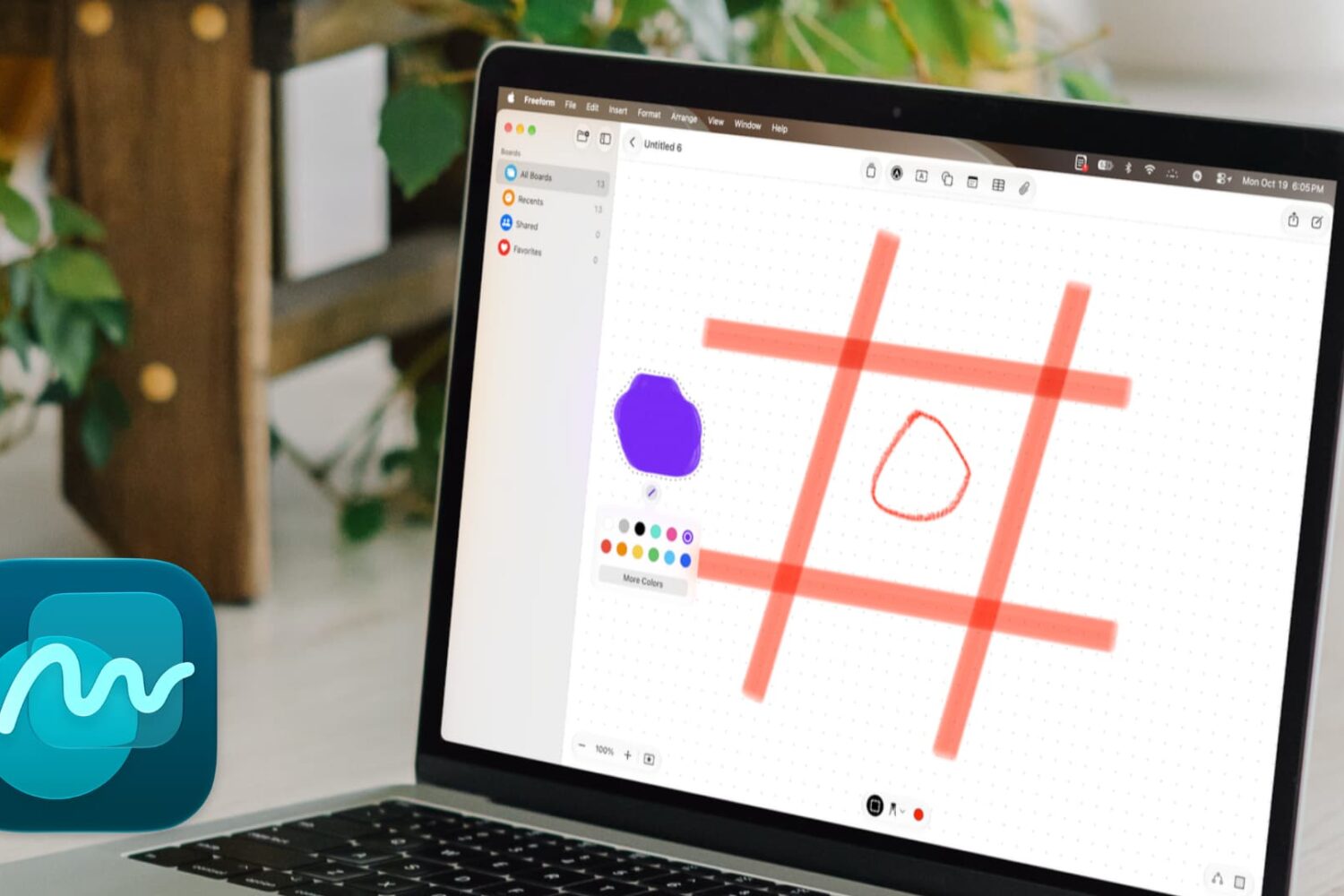
Learn how to use the new drawing and sketching tools in the Apple Freeform app on Mac running macOS 27 Golden Gate.
In this brief tutorial, we show you how to stop WhatsApp on your MacBook from automatically saving photos, videos, and files to the Downloads folder and cluttering it.

In this quick tutorial, we show you how to prevent your iPhone reminders from syncing to your other devices and sending duplicate alerts everywhere.

In this guide, we show you how to block new Siri and AI features on your Mac running macOS 27 Golden Gate so you can go back to simpler times.
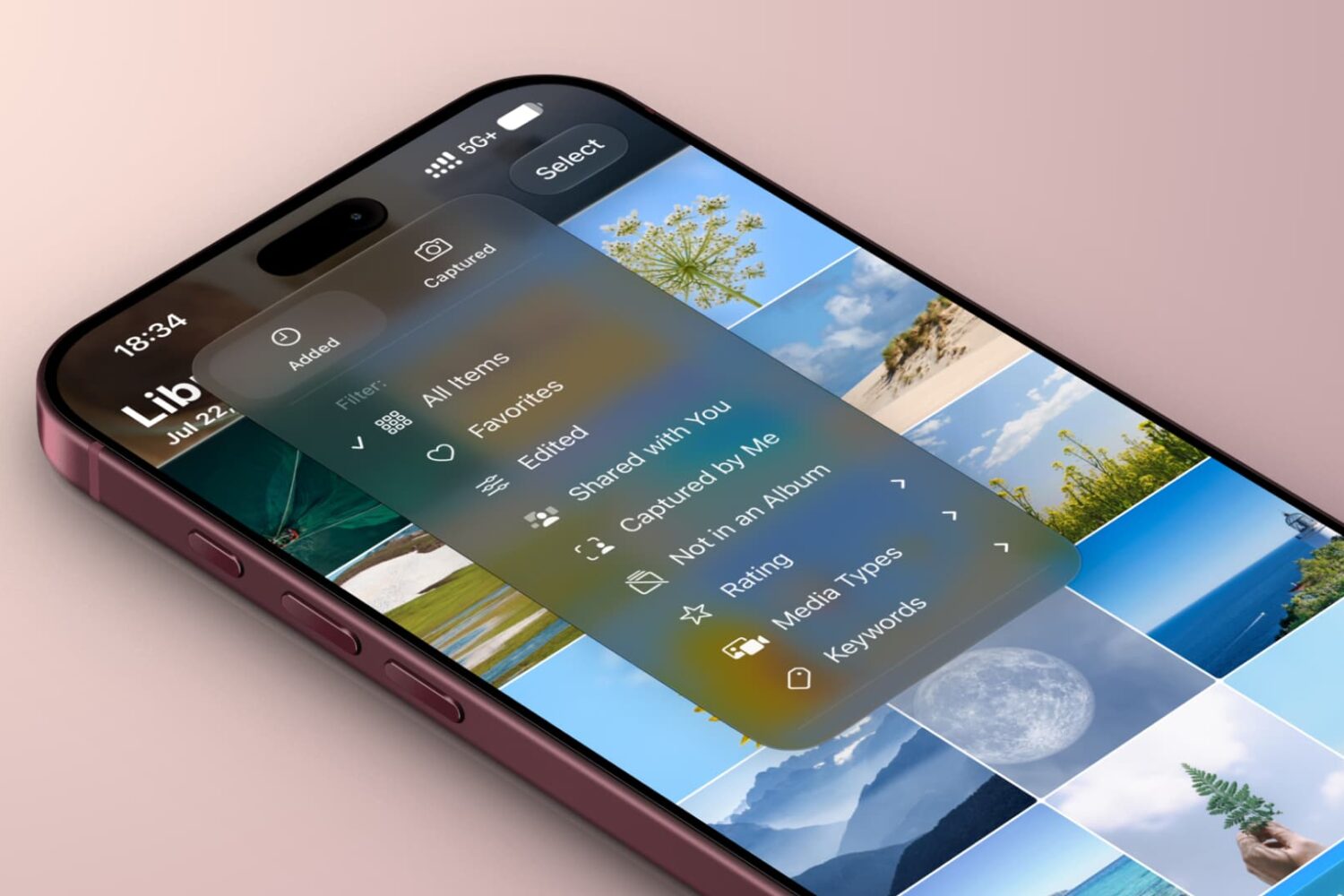
In this guide, we walk you through features that make it easier to quickly find the right photo or video on your iPhone or iPad. Most of these also work on Mac.

Enable a hidden Terminal command on your Mac running macOS Golden Gate to quickly insert emojis by typing a colon (:) followed by the emoji’s name.

In this brief guide, we show you how to use the new episode search feature in the Apple Podcasts app on iPhone, iPad, and Mac running iOS 27, iPadOS 27, and macOS 27 Golden Gate.

Find out how to add keywords to your photos and videos on iPhone and iPad in iOS 27 so you can easily search for them using those keywords and find them very quickly.